
Games on Whales: Have you ever wanted to host your own Cloud Gaming server?

Games on Whales is a set of software designed to run applications in containers in your server
As the name suggests, it aims to run videogames in containers, but you can also run browsers and... an entire XFCE Linux desktop?! Even to multiple friends at the same time?!
Why would I run games on a server? Why not build a normal PC?
Probably your home server has more RAM than your own computer, and personally, I run a work laptop, so I don't have a big GPU. I go everywhere with my laptop, the lighter it is, the better.
I'll be referring to "Games on Whales" as GOW, as that is their official acronym.
Note: At the time of writing, GOW doesn't 100% fully support LXCs, they had some issues with keyboard pass-through recently that they are fixing asap. This means that you must dedicate a GPU to GOW's VM, because you will need GPU Passthrough.
Running games on servers lets you connect remotely from anywhere. And with more efficient video encoders/decoders like AV1 being widely supported on newer computers, you only need at most 10Mbit download bandwidth wherever you are connected from to enjoy any game at 1080p60hz smoothly.
I often visit friends, bring my tiny think-pad and a cheap mouse and connect remotely (with Netbird) to my virtual machine so we can play together.
Running games on servers also have a huge benefit, other than guaranteed cooling, if there are multiple users in your home server you can set-up and benefit from caching and de-duplication.
Not only caching at the file-system level, you can go overkill and run Lancache. As of writing, Steam already implements some form of LAN-caching. This means, if two computers in the house already have Counter Strike and you want to download the same game in a third computer, the two computers will send the game over-the-network, saving download bandwidth.
LAN-Cache takes it a step further. But anyway this is only a quick summary, lets go back with GOW.
Also... servers are meant for multiple users, don't you want to run multiple gaming systems off one single computer? You can re-create LAN parties in the 21st century, even if not all gamers have a computer, with GOW!
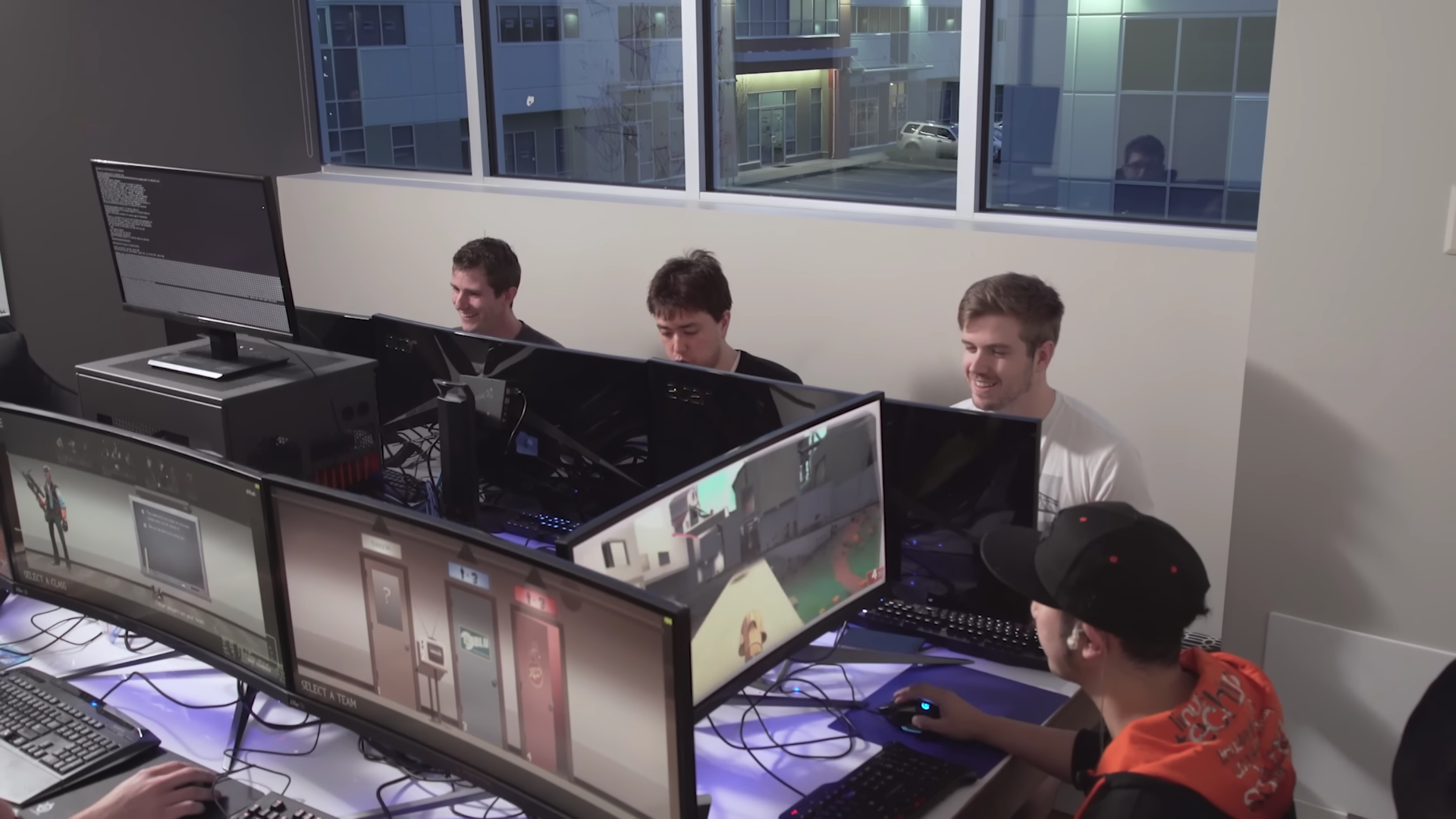
"set" of software
I didn't mention it but your client computer requires Moonlight installed to connect to a server hosting a Games on Whales instance. Your "client computer" can be an Android TV, a desktop computer or a mobile device, whatever Moonlight supports is supported by GOW.
As mentioned previously, GOW is a set of software consisting of:
- Games on Whales: Software that runs applications inside docker containers
- Wolf: Software that actually streams the GOW applications to a client screen, like a laptop or phone
- Fenrir: Ongoing project to run multiple instances of Wolf in Kubernetes (Coming soon!)
For the sake of simplicity I'll be referring to the entire set as "Games on Whales / GOW"
The actual software
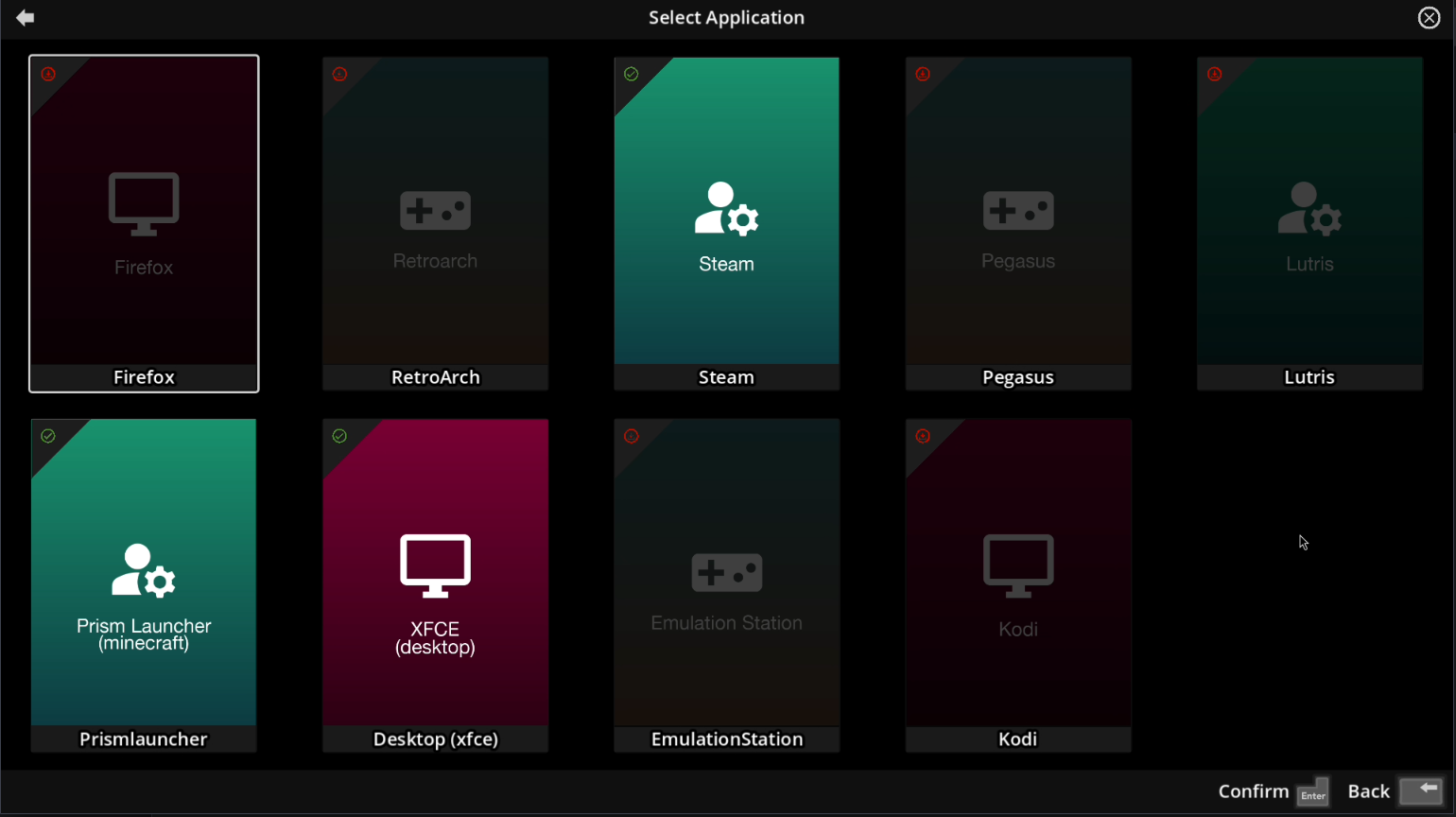
GOW comes with many applications that are easy to install. As you can see on the bottom right, it supports controllers for a couch gaming experience.
All data in GOW is preserved on a per-user basis. This means your saved games and personal files stay on the disk, strictly tied to your account. This is important to understand if you have multiple users in your GOW instance, as each user will have independent data.
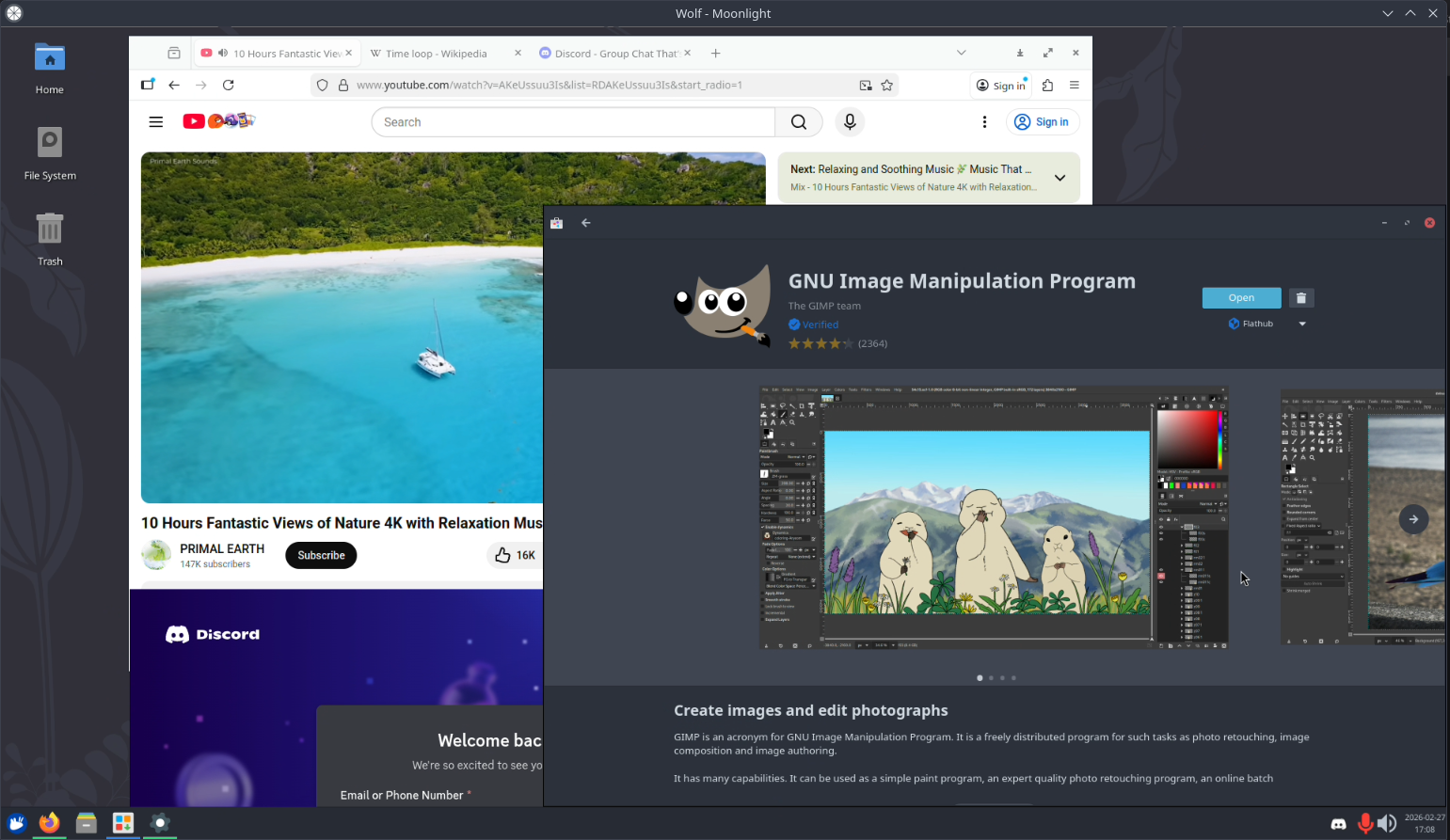
What's really good about the XFCE Desktop is that all my data is preserved. I could technically use this software as my main computer if I wanted to.
What if I have multiple GPUs?
I think I asked this question in one of their repositories. The answer is that it's possible, but not in the way of "load-balancing" yet.
If you have two RTX 3080, you have to run two instances of GOW. To Friend A you give him the address of "Instance A" of GOW. To Friend B you give address of Instance B and so on.
Load-balancing a single instance between multiple GPUs is not fully implemented yet.
They do have, in fact, split GPU processing. You can offload all the video encoding part to another card, like the server's integrated graphics or an Intel ARC GPU, and let all the "videogame render stuff" to the primary GPU (like the RTX 3080 I keep mentioning. Can you guess which card I have?)
Why Intel ARC GPUs for video encoding?
Not only are they comparatively cheap to other GPUs, they also draw very little power for encoding purposes.
For example, the Intel ARC A310, which should be under $200, has AV1 encoding capabilities and draws an average of 40 Watts under load.
In the future you will be able to run GOW on LXCs, and having an Intel ARC not attached to a VM may be useful if you also require Jellyfin transcoding.
Co-op mode
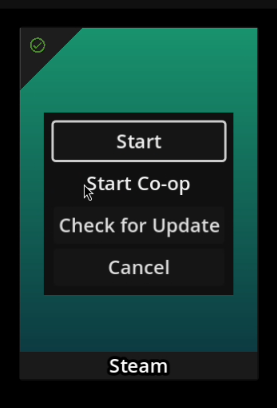
GOW supports multiple users simultaneously, and with that, they also support co-op mode!
If you know what is Steam Remote Play Together, it's the same. If not, this co-op mode allows you to share a "room" with other users that can connect to your GOW instance.
For example, if "user A" wants to open a room for a non-steam videogame, they can create a room where other users can connect to the exact same application by supplying a PIN. The "application" can be anything, like an XFCE desktop or Firefox.
This could be useful for playing browser flash games with a friend or watching media together.
That's all I have for GOW! This software makes it very easy to self-host cloud gaming for friends, and wish I could use it far more, but I already have a setup with pure QEMU working fine for me.
If you are interested in running this software, I recommend you give it a try in a virtual machine. If you want to dive deeper and scratch every inch of performance possible, you may want to research on isolating CPU resources for the virtual machine. For Proxmox, I always recommend this guide as a starting point.
That's all for today, have a good day! 😛